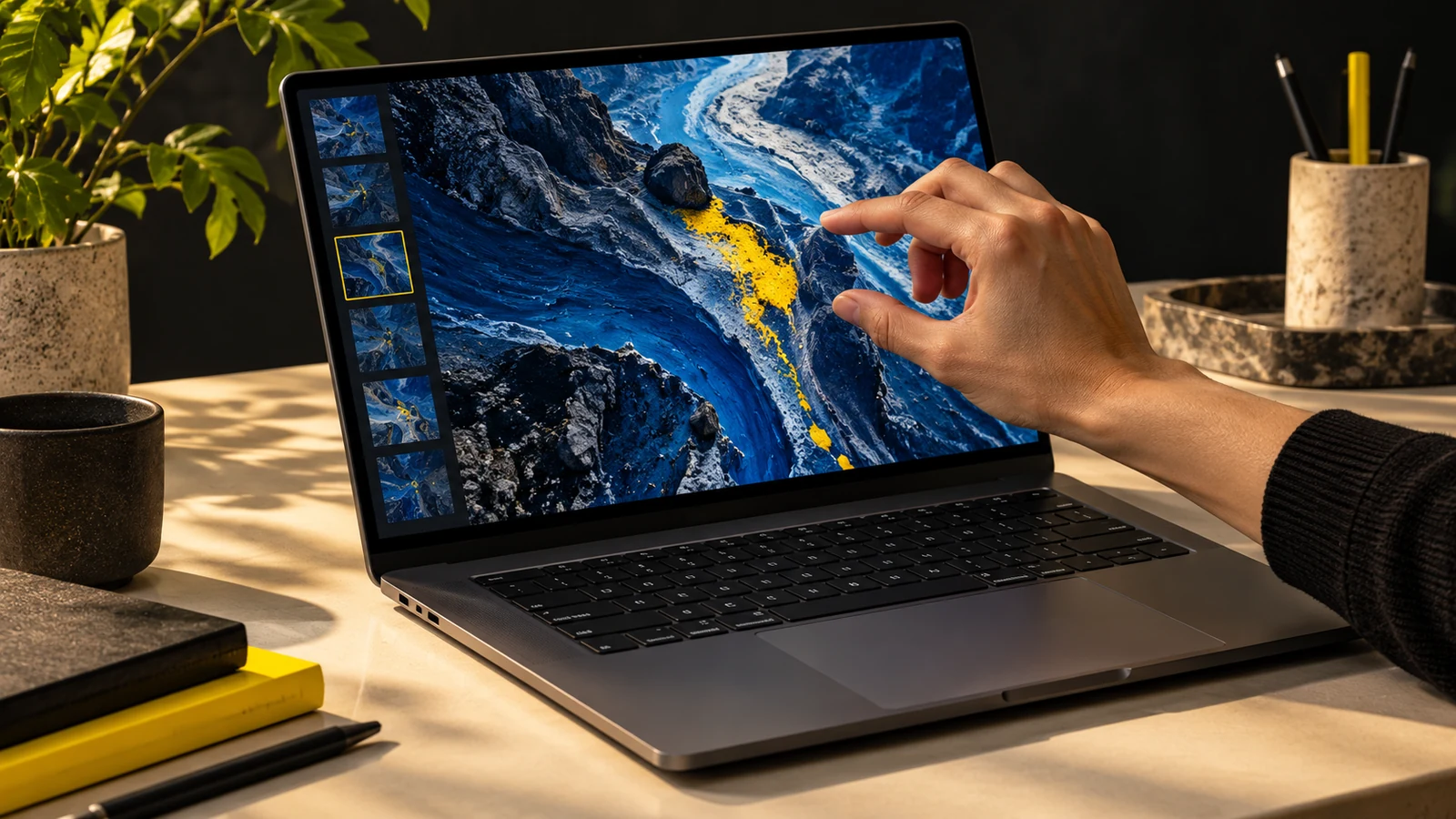
This is by far the most popular comment I get on my Mac-related YouTube videos: 13 or 15 inch MacBook Pro? The answers are not clear cut, but depend on the type of user you are. In this article, I’ll review some of the pros and cons for each machine, and which one makes sense for which user.
MacBook Pro 13- The 13 inch MacBook Pro is a great machine. The connectivity, portability and performance mix is near the best in it’s class. The wide variety of ports is as follows:
- Mag-safe power adapter
- 10/100/1000 Ethernet
- Firewire 800
- Mini-display port
- 2 USB 2.0
- SD card slot
- 3.5mm audio out
So now that you have the proper connectivity, let’s talk performance. Here are the current specifications for the early 2010 high-end MacBook Pro 13:
- Intel Core 2 Duo P8600 2.66MHz L2 3.00MB cache
- 8GB DDR3-1066MHz RAM (Came with 4GB, upgraded to 8GB for $400)
- 320GB 5200RPM SATA HDD
- nVidia 320m 256MB shared graphics
- 10 hour battery
Pros- For a 13 inch, 4.5lb notebook, these specs are very impressive. I edit 1080p at least 3 times a week, at 60fps. I will honestly say that this machine handles the content very well. Decoding 1080p video is handled very well too. Maxing the processor to 100% is not easily done. From a performance aspect, I would say this machine will do anything you throw at it, though some things will be done a little slower than the 15 inch. The back-lit keyboard is excellent, it makes typing in low-light situations effortless, and eliminates any errors due to light restrictions. I might also add the 10 hours (they’re not kidding) of battery life is heaven. These 10 years live when watching videos, keeping the screen brightness over 50%, using wifi, and using the backlit keyboard.
Cons- The 13 inch MacBook Pro has very few cons. There are two I can come up with, and neither one is a huge problem. First, the 13 inch’s glossy screen resolution is 1280×800, and video editing in this resolution is not perfect. I got around this issue by investing in a 23 inch 1080p Asus monitor. The second problem is still existent in the 15 inch model, so it really isn’t relevant to this article. At any rate, the 2 USB ports often get filled up; so having a good USB 2.0 hub is essential when the machine is docked on a desk.
test
MacBook Pro 15- The 15 inch MacBook Pro is also a stunning machine. It simply boasts a larger display, and more power than the 13 inch. With all the pros come on large con: the price. This laptop’s ports are the same as the 13 inch’s:
- Mag-safe power adapter
- 10/100/1000 Ethernet
- Firewire 800
- Mini-display port
- 2 USB 2.0
- SD card slot
- 3.5mm audio out
The performance of the highest end 15 inch is very impressive:
Pros- Finding a faster 15 inch notebook may be hard. With these two graphics solutions, and incredibly fast Intel Core i7, you’ll be able to do just about anything in the blink of an eye. The larger glossy screen with native resolution of 1440×900 is upgradable to a glossy 1680×1050 or a matte 1680×1050. The speakers are bit louder and clearer as they flank the keyboard, instead of hiding under the keyboard.
Cons- The cons list for the 15 inch is a bit longer. The biggest problem is the heat. With the high end Core i7, and even the lower end Core i5s, the 15 inch MacBook Pro creates a lot of heat, even if just doing light work. The 2 USB ports are still there, so a hub is still a good idea. The battery life is not as good as the the 13 inch, but it is not what I would remotely call disappointing.
test
Portability- For some, like myself, portability is very important. My 2 13 inch MacBook Pros have never let me down. They offer amazing performance, and fantastic portability since they are small and light. The 15 inch model would not be so kind me to, I fear. It’s larger form factor adds weight, and a considerable amount of bulk and material. For me, and the traveling I do, a 13 inch has the power I need and portability to match it.
Conclusion- If you are buying a MacBook Pro, and you can’t decide which one to get, it really depends on how much power you need, and how much you want to carry it around with you. For editing large video files in high resolution often, you’d feel the 15 inch take the lead. For editing in addition to on-the-go work, the 13 inch pulls ahead. It’s that simple.
Here are a few pictures, thanks to Adobe Photoshop CS5 on my MacBook Pro.
Leave a comment! Which MacBook Pro do you have, or want?
test
James Ryan Schultz
Administration, Management, Publication